
Booking a room at Diya Hotel Srinakarin is easy and convenient, with clear steps that can be completed both online and offline. Here are the booking steps you can follow.
1. Choose a Booking Channel
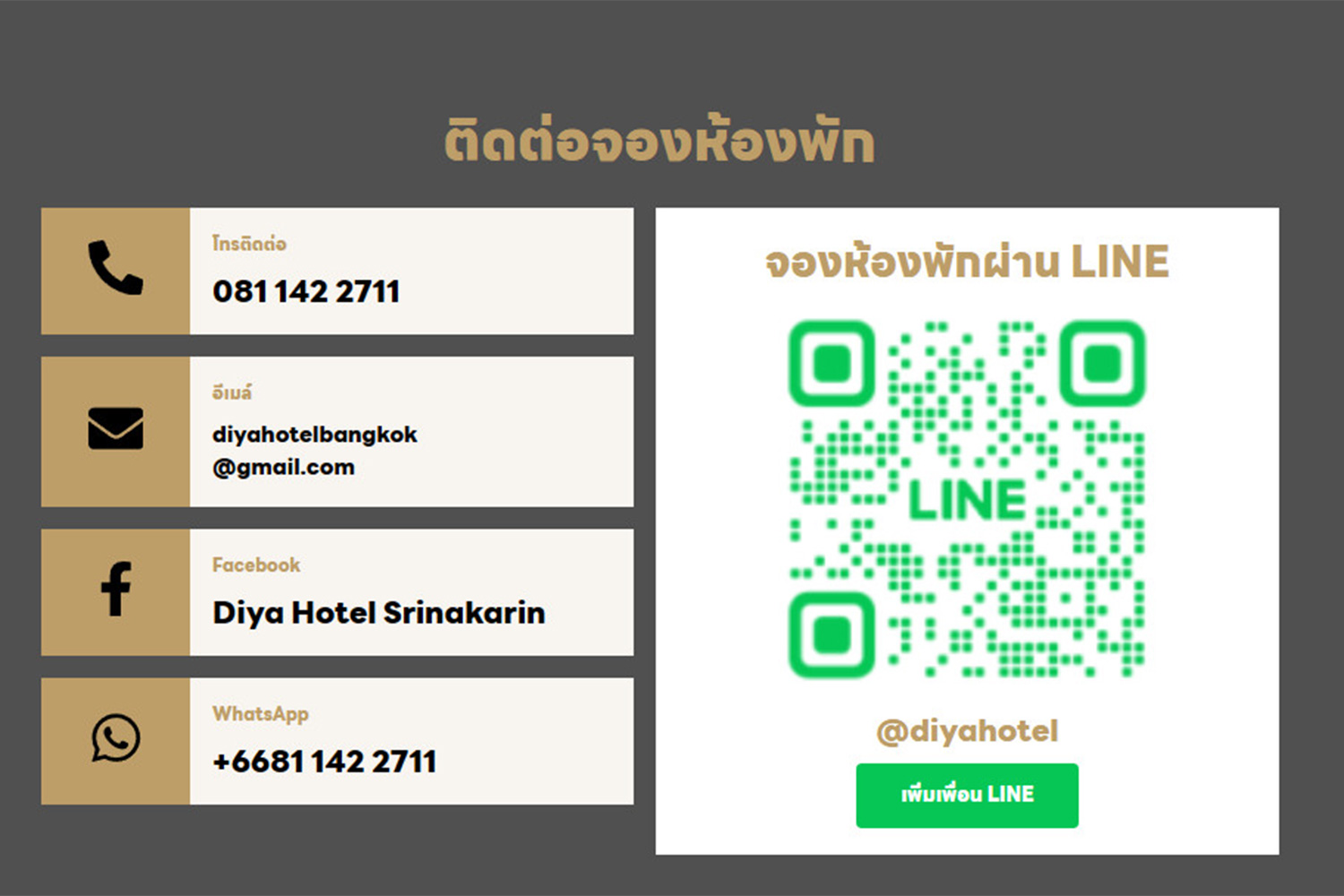
Diya Hotel Srinakarin provides a variety of booking channels for guests’ convenience, including:
- Official hotel website: Visit the hotel’s website to view information about rooms, promotions, and the latest rates.
- Online Travel Agency (OTA) platforms: Such as Booking.com, Agoda, or Expedia.
- Direct contact: Contact the hotel’s reservation department by phone or send an email.
2. Choose Your Room Type
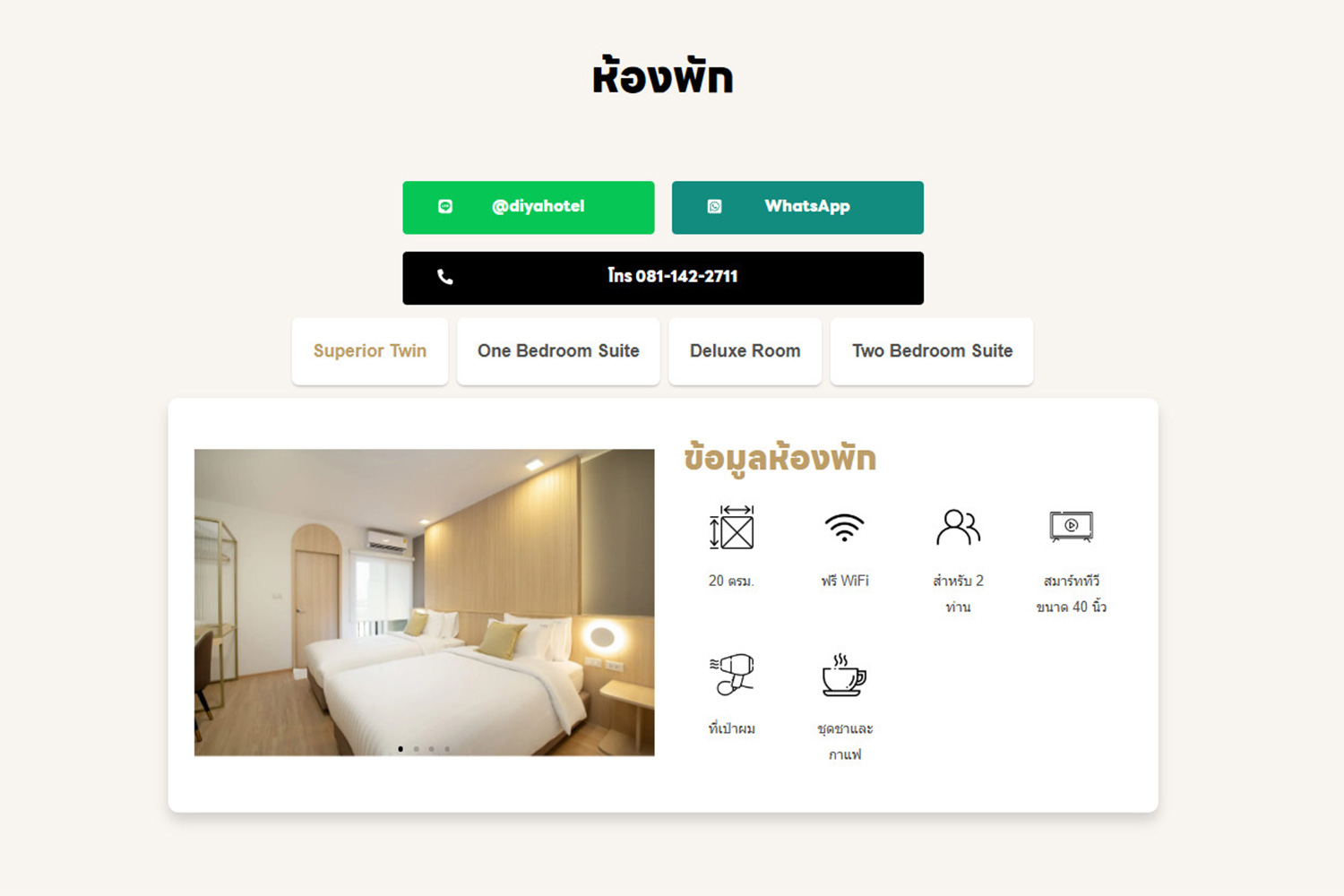
Diya Hotel Srinakarin offers a variety of room types to accommodate guests’ needs. You can choose a room based on the number of guests, budget, or preferred amenities, such as:
- Standard rooms
- Family rooms
- Premium rooms with additional amenities

3. Specify Your Check-in Date and Number of Nights
Enter your check-in date and the number of nights you would like to stay so the system can display available rooms for that period. If you book through an online platform, the system will show the applicable rates immediately.
4. Enter Guest Information
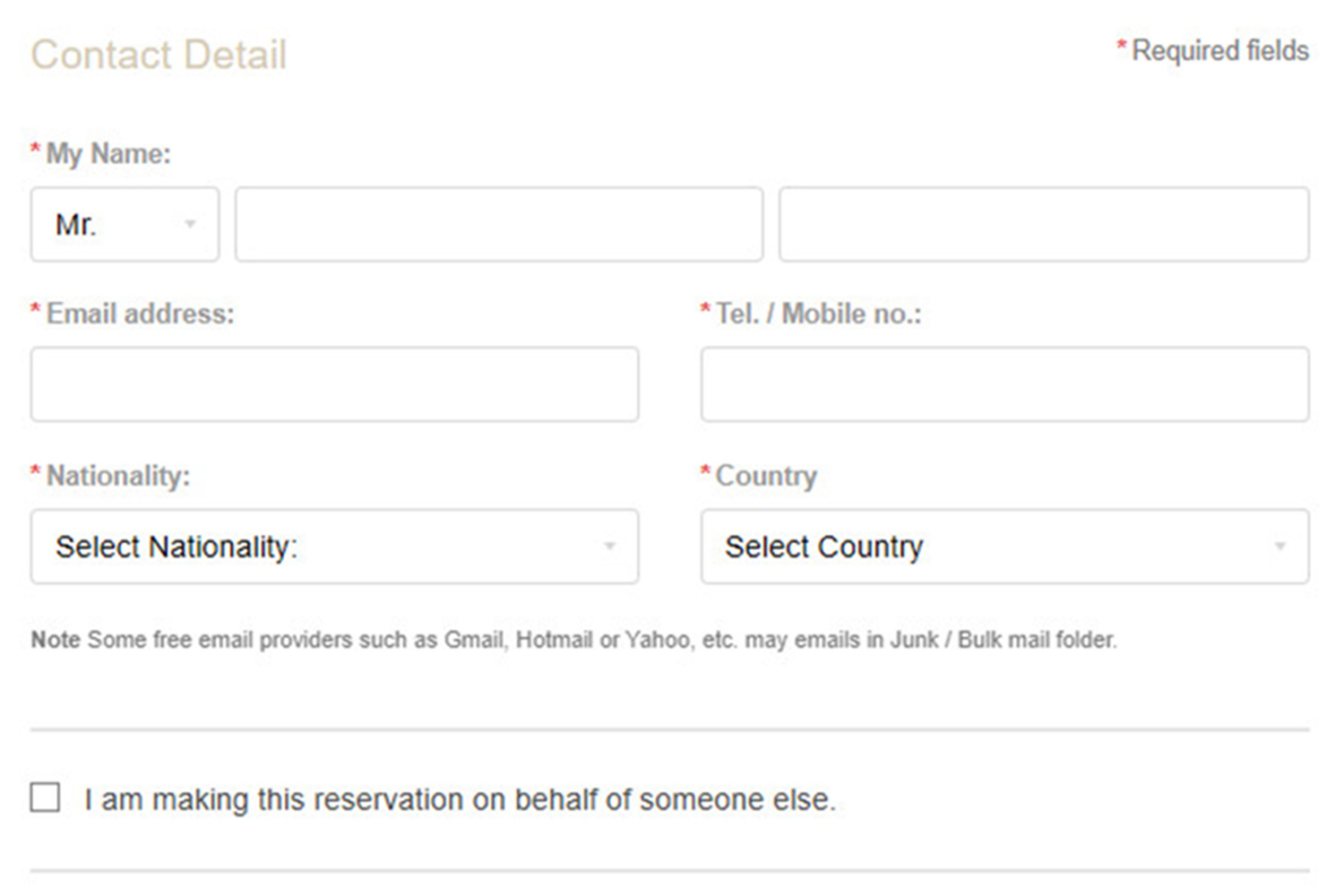
Provide guest details such as full name, phone number, and a valid email address for contact purposes, which will be used to confirm the reservation.
5. Review Booking Details
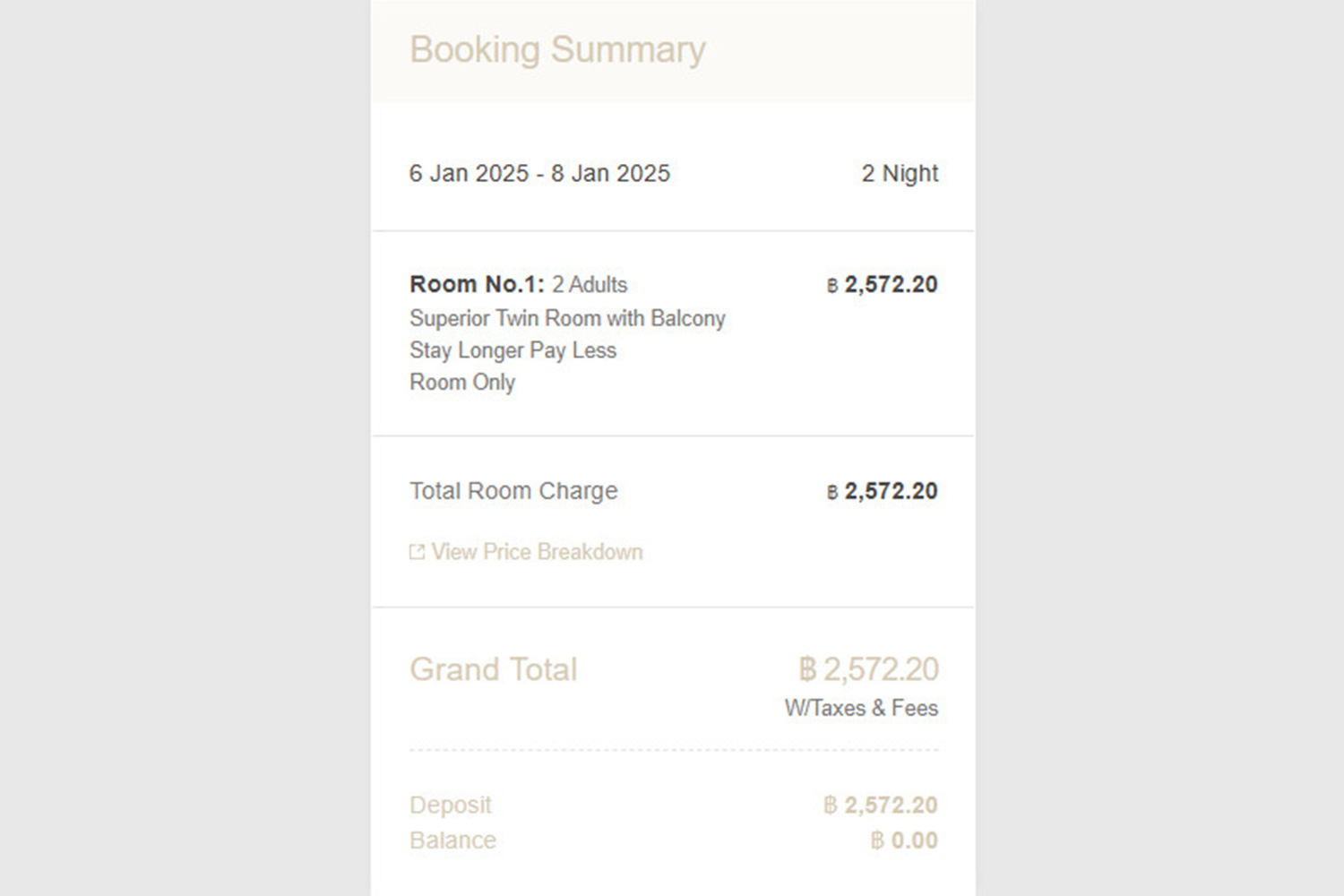
Before confirming your reservation, you should review the following information:
Room type
Check-in and check-out dates
Total price, including taxes and fees
Cancellation or booking modification policies
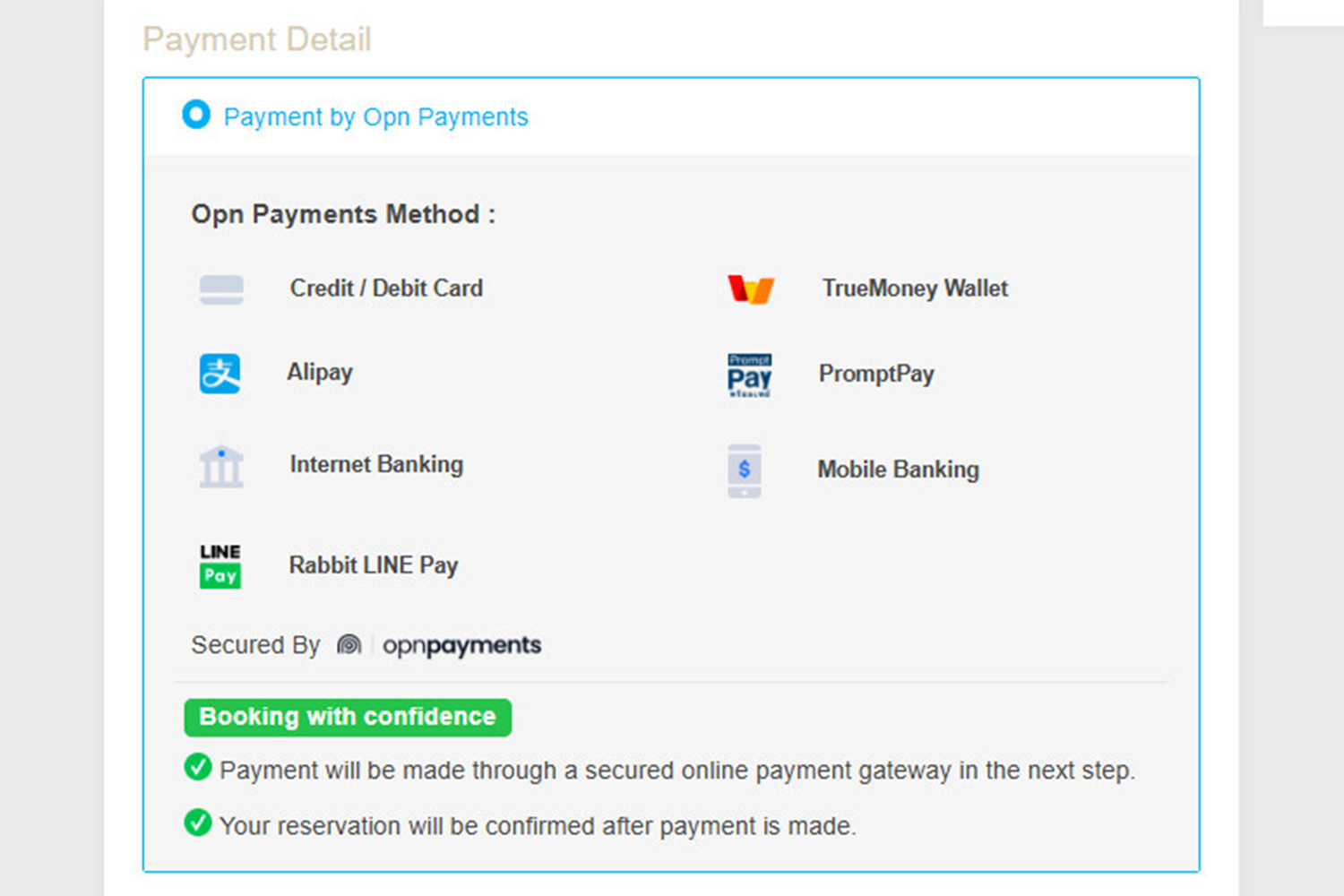
6. Make Payment
The hotel supports multiple payment methods, such as:
- Payment via credit card or debit card
- Bank transfer (in case of direct booking)
- Online payment methods such as QR Code or other payment platforms
7. Receive Booking Confirmation
After completing the payment, you will receive a booking confirmation email or booking document through your selected channel. This document will contain important information such as the booking number, stay dates, and accommodation terms and conditions.
8. Check In on Your Arrival Date
On the check-in date, please present your booking document or confirmation email at the reception desk, along with your identification card or passport to complete the check-in process.
Additional Tips
- Book in advance: To receive special benefits or the best promotions
- Check promotions: The hotel often offers special deals for direct bookings or during festive seasons
- Inform special requests: If you require additional amenities such as an extra bed or special services, it is recommended to inform the hotel in advance
Booking a room at Diya Hotel Srinakarin is easy. By following the steps above, you can ensure a wonderful stay in a comfortable atmosphere with excellent service from the hotel’s professional team.
